Assuming you know all the basics of managing a data move here are the key steps:
- Set up IIS.
- Set up mySQL.
- Export all data from the mySQL and inetpub folders and move/import them to the new server.
- Download and install PHP for Windows.
- Download and install PHP Manager for IIS.
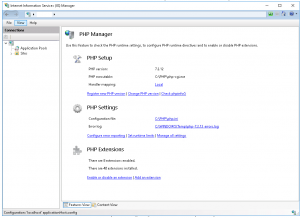
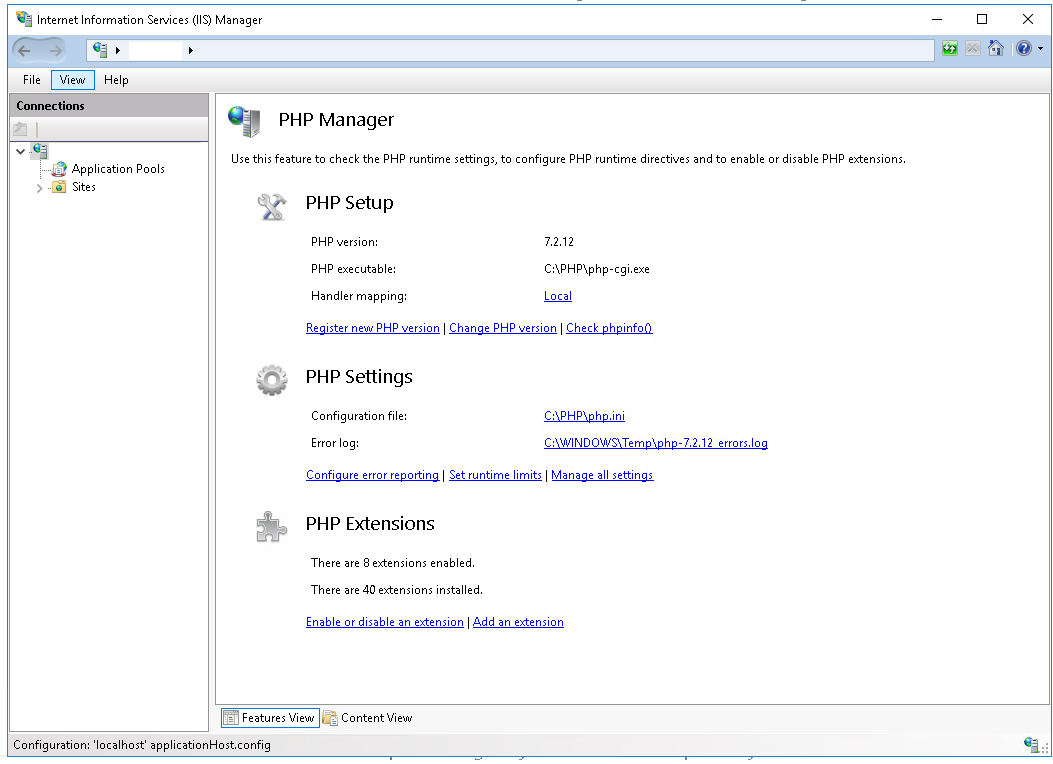
- Ensure PHP is configured, the screen should look like this
- Turn on 32 Bit Application support in the application pool.
- Set your bindings.


Leave a Reply